

Description
Master Carrier Landings in F18 Carrier Landing
Overview
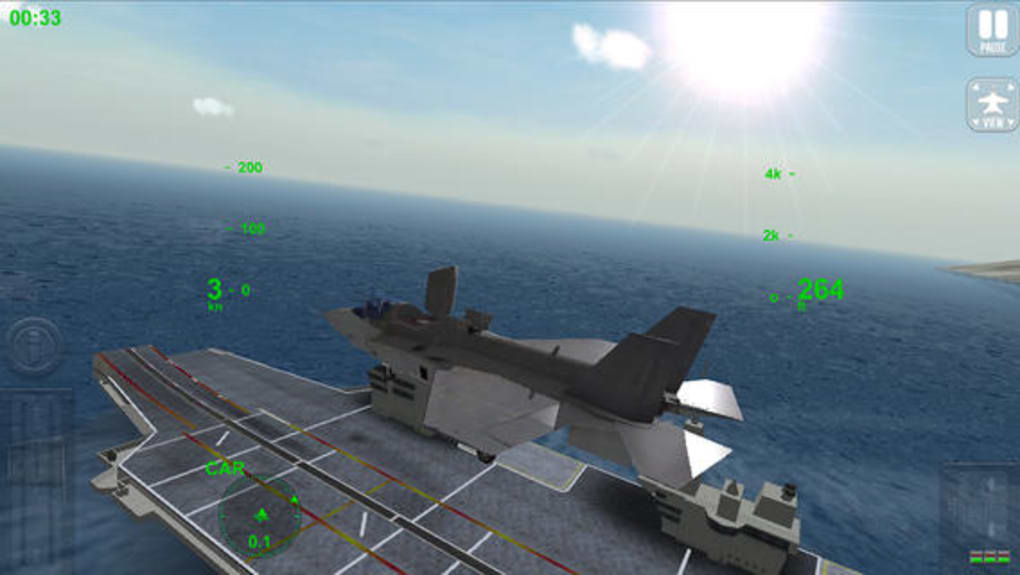
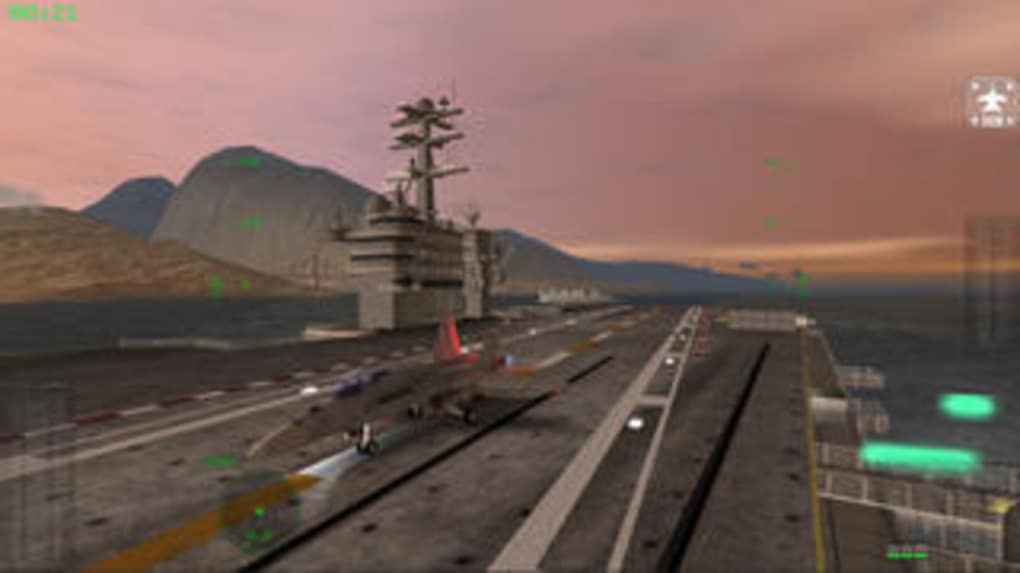
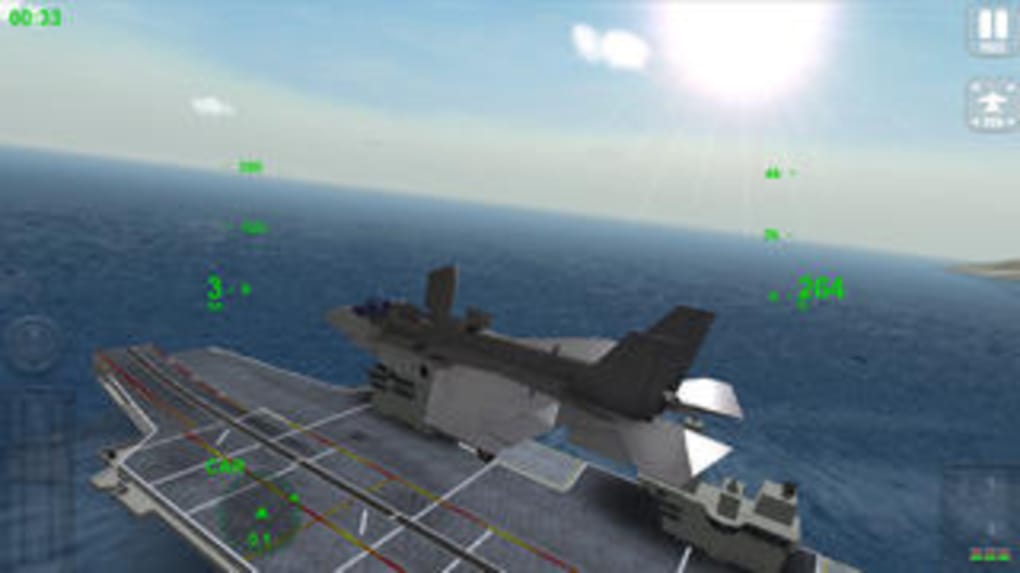
F18 Carrier Landing is a flight simulation game designed to challenge players with the demanding task of landing a fighter jet on a moving aircraft carrier. With only 500 feet (150 meters) of runway available, precision and timing are essential. The game focuses on mastering the delicate balance between throttle control, afterburner use, and approach speed, simulating the intense real-world conditions faced by naval aviators. It is tailored for aviation enthusiasts, simulation hobbyists, and aspiring pilots seeking a realistic yet accessible flight experience.
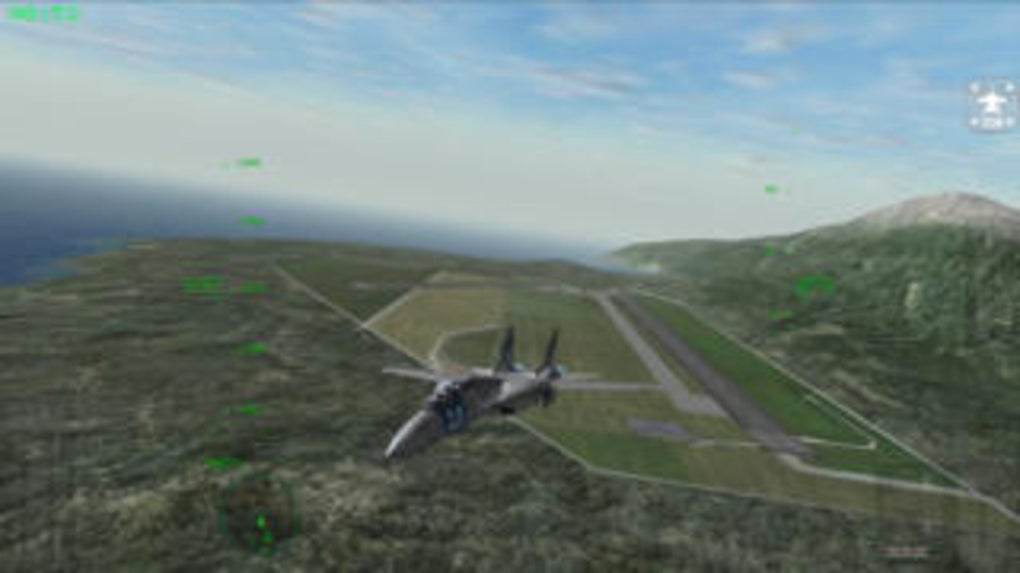
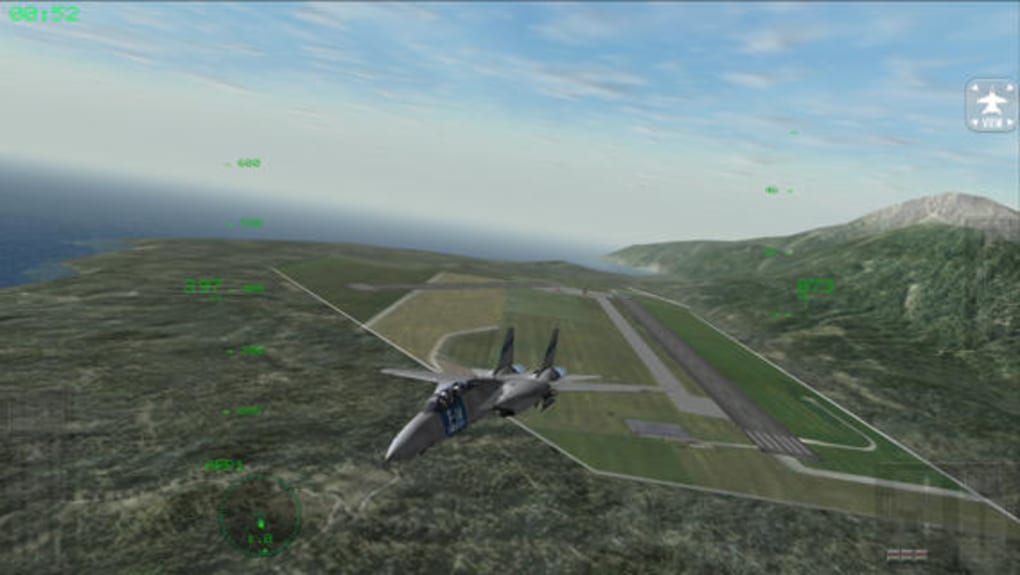
Players can choose from four distinct aircraft: the F/A-18 Hornet, F-14 Tomcat, C-2A Greyhound, and A-6 Intruder, each offering unique handling characteristics. The game includes 12 missions that progress from basic patrols to complex tasks like photo reconnaissance and in-flight refueling. While combat is not a feature, the emphasis on technical flight skills provides a focused and immersive challenge. Realistic cockpit environments, dynamic weather, and authentic sound effects enhance the simulation quality. The developer, LTV Software, has created a tool that blends entertainment with educational value, helping users understand the nuances of carrier-based aviation.
Key Features & Capabilities
- Multiple Aircraft Selection – Players can switch between the F/A-18 Hornet, F-14 Tomcat, C-2A Greyhound, and A-6 Intruder, each with distinct flight dynamics and handling behaviors.
- Realistic Carrier Landings – The game simulates the extreme difficulty of landing on a 500-foot runway, requiring precise control of speed, descent angle, and engine power.
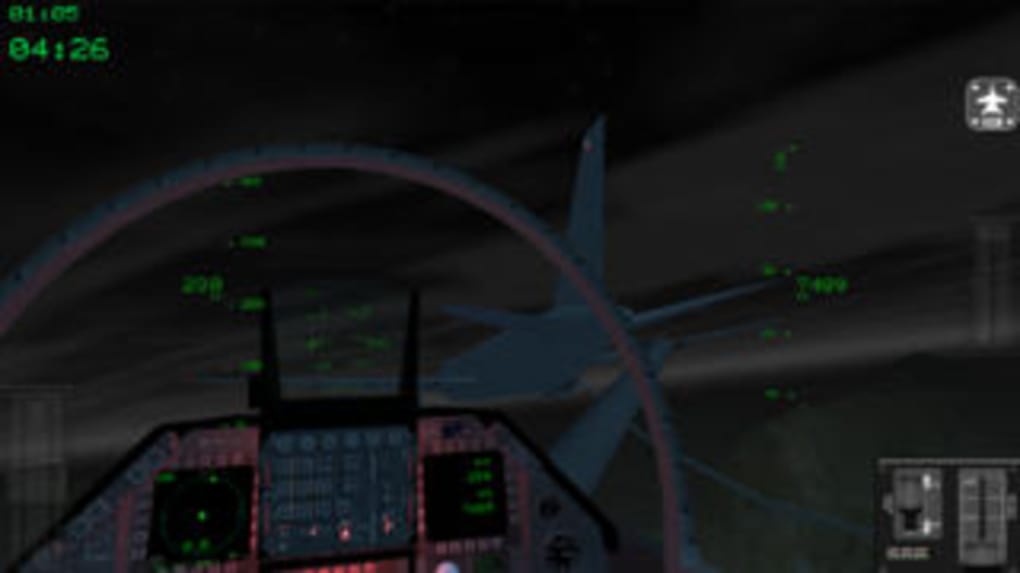
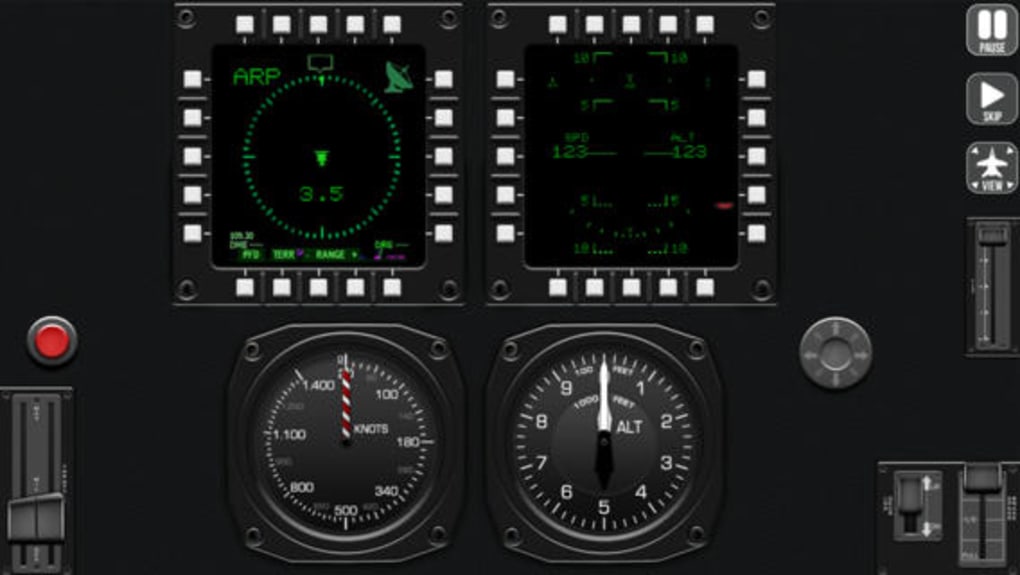
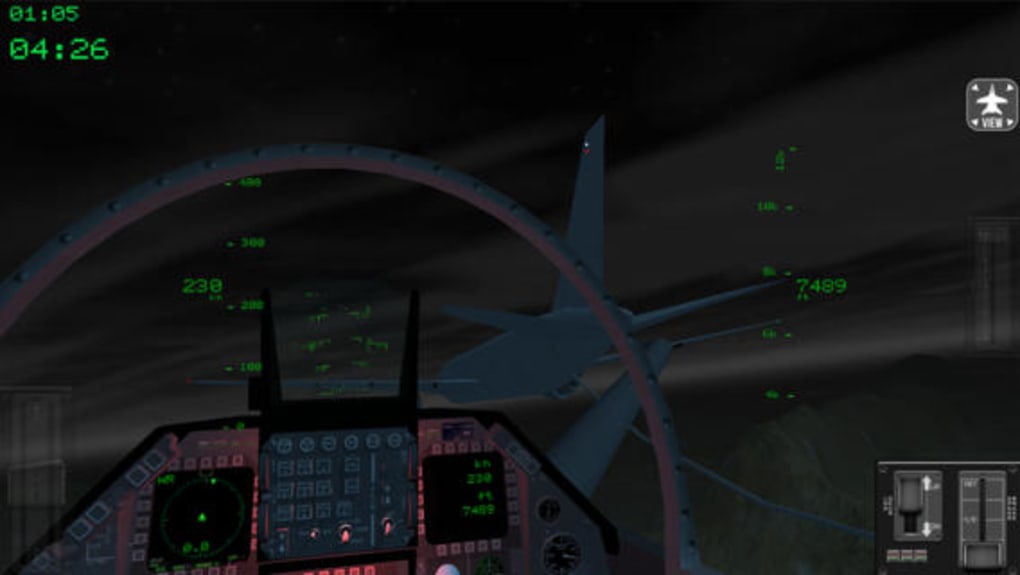
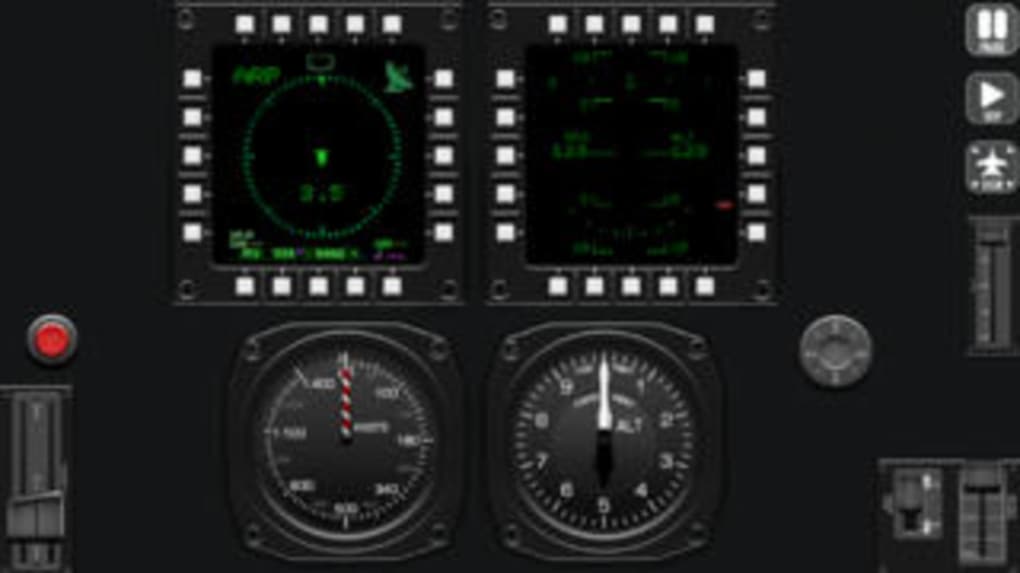
- 3D Virtual Cockpit Environment – Immersive cockpit views provide a lifelike experience, including realistic Head-Up Display (HUD) elements and instrument panels.
- Multi-Camera Replays – After each landing, a 30-second replay is available from multiple angles, helping players analyze technique and improve performance.
- Progressive Mission Structure – Players advance through 12 missions, starting with basic patrols and progressing to complex operations like in-flight refueling and reconnaissance.
- Dynamic Weather and Sound Design – Realistic weather conditions and authentic engine sounds, including afterburner roars, enhance immersion and situational awareness.
- Mobile Remote Control Support – The game allows integration with a mobile device for remote control, offering alternative input methods for gameplay.
These features combine to create a simulation that prioritizes skill development and realism. The multi-camera replay system is particularly effective for learning, enabling players to observe approach angles, flare timing, and landing stability. The mission progression allows users to gradually build confidence and competence. The mobile remote control adds flexibility for players who prefer alternative input devices, though exact compatibility details were not provided.
User Interface, Workflow & Performance
The user interface is structured around the flight simulation experience, with cockpit displays and HUD elements designed to mirror real aircraft instrumentation. Navigation is intuitive, allowing players to access mission objectives, aircraft selection, and replay functions with minimal disruption. The workflow follows a logical sequence: select aircraft, load mission, prepare for flight, execute landing, and review performance.
Performance observations are based on general software behavior patterns. The game runs on both Windows and Mac platforms, with a 240 MB installation size. The developer did not specify resource usage details, so CPU and RAM behavior cannot be confirmed. However, the game’s high-quality graphics and real-time 3D rendering suggest optimized rendering techniques to maintain smooth frame rates. Stability appears consistent, as no reports of crashes or freezes were noted in available documentation. The interface remains responsive during flight and replay sequences, contributing to a seamless user experience.
Compatibility & System Requirements
F18 Carrier Landing is compatible with Windows and Mac operating systems. The software version is 1.2.3, with a file size of 240 MB. The developer did not provide additional system requirements. Exact performance details were not specified. Compatibility information was partially provided, and no hardware-specific recommendations were listed. The installation process is straightforward, with no reported issues during setup. Users are advised to ensure their system meets general requirements for running 3D applications, though specific thresholds were not stated.
Pros and Cons
Pros
- High-quality graphics and immersive 3D cockpit environments
- Realistic flight dynamics with multiple aircraft types
- Progressive mission structure enhances skill development
- Multi-camera replay system for technique analysis
- Free to download and use
- Mobile device integration for remote control
- Authentic sound design and dynamic weather effects
Cons
- Limited to carrier landings; no combat or weapons systems
- No option to save landing replays
- Missing airbase landing scenarios in future updates
- Exact system requirements not specified
- Mobile remote control compatibility details not provided
FAQ Section
Is F18 Carrier Landing free to download?
Yes, F18 Carrier Landing is available at no cost. There are no hidden fees or in-app purchases required to access core gameplay features.
Which operating systems does F18 Carrier Landing support?
The software is compatible with both Windows and Mac operating systems. Specific version numbers were not listed.
Can I save my landing replays?
While the game includes a 30-second multi-camera replay after each landing, it does not allow users to save these clips for later review.
Does the game include combat missions?
No, F18 Carrier Landing focuses solely on flight simulation and carrier landing challenges. There are no combat scenarios, weapons, or enemy engagement features.
How often are updates released?
The current version is 1.2.3, released on May 15, 2023. The update frequency is not specified by the developer.
Final Thoughts + CTA
F18 Carrier Landing delivers a focused, high-quality flight simulation experience that excels in realism, visual fidelity, and gameplay challenge. While it lacks combat elements, its emphasis on carrier landing precision and mission progression makes it a standout choice for aviation enthusiasts and simulation learners. The inclusion of multiple aircraft, dynamic weather, and detailed replays enhances both entertainment and educational value. The free pricing model increases accessibility, making it ideal for students, hobbyists, and aspiring pilots. With its immersive cockpit design and authentic audio-visual presentation, this game stands out in the flight simulator genre.
Download F18 Carrier Landing now
Guides & Tutorials for F18 Carrier Landing
How to install F18 Carrier Landing
- Click the Preview / Download button above.
- Once redirected, accept the terms and click Install.
- Wait for the F18 Carrier Landing download to finish on your device.
How to use F18 Carrier Landing
This software is primarily used for its core features described above. Open the app after installation to explore its capabilities.
User Reviews for F18 Carrier Landing 0
No reviews found





